
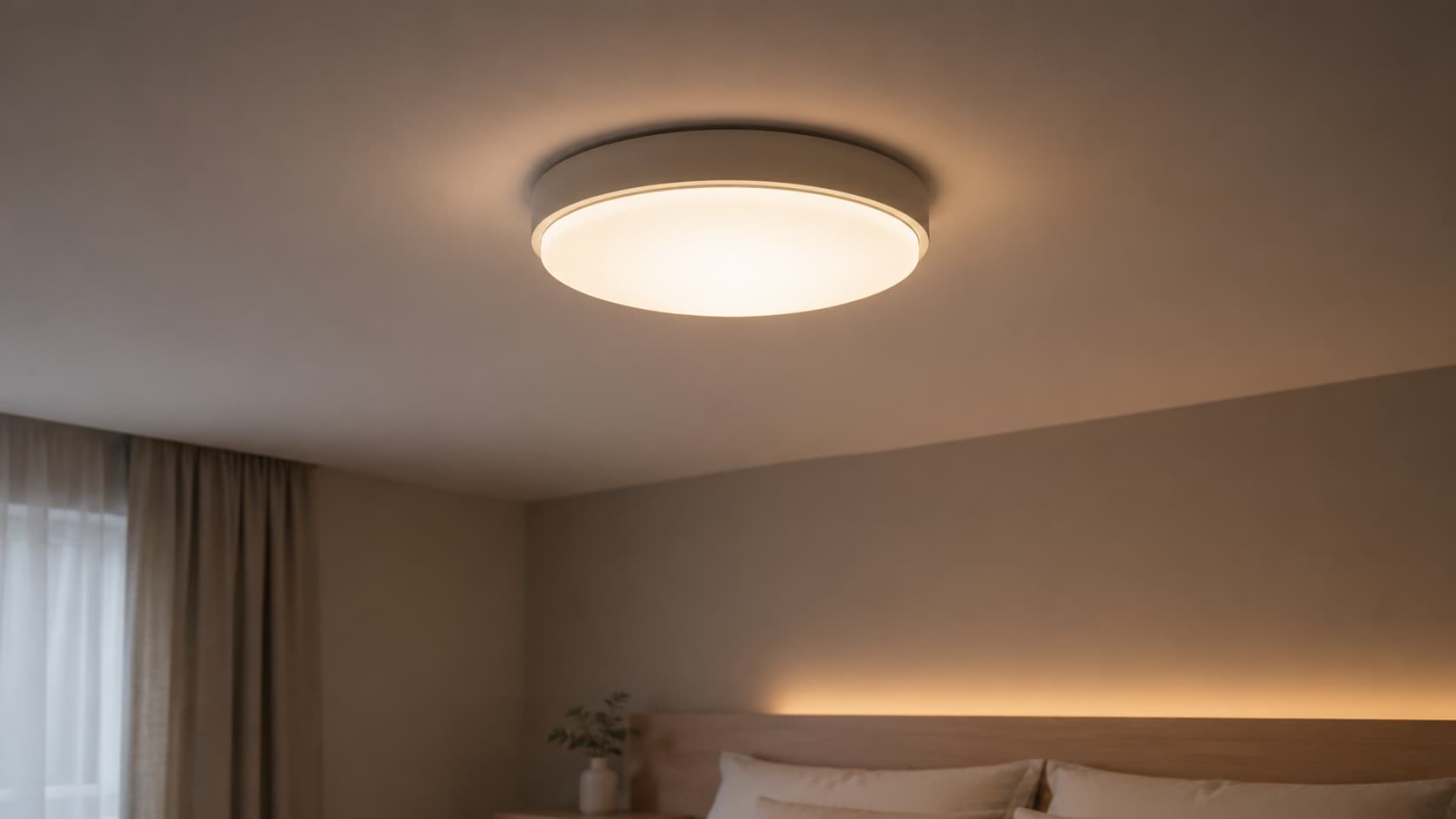
Your lights blink once, and suddenly every appliance in the house feels like a suspect.
That flicker is your home trying to tell you something, and learning how to fix flickering lights starts with understanding why are my lights flickering in the first place.
Sometimes it is a loose bulb. Sometimes it is wiring that needs real attention.
Either way, the fix is closer than you think, and it starts right here.
Why are My Lights Flickering?
A flickering light is a sudden, repeated change in brightness that the eye catches right away; inconsistent power output is a slower shift that shows up as dimming or brightening over several seconds.
Both point to the same root problem: the flow of electricity to the bulb is not steady.
LED bulbs flicker differently than incandescent bulbs because LEDs respond quickly to small changes in power.
A flicker that repeats daily, spreads across rooms, or grows worse over weeks often signals a wiring fault or an overloaded circuit that needs a closer look soon.
Common Causes of Flickering Lights in Homes
Flickering lights usually trace back to a few common sources.
The table below lists each cause and what it means for the fix.
| Cause | What It Means |
|---|---|
| Loose bulb | Weak contact in the socket |
| Faulty switch | Uneven power delivery |
| Incompatible dimmer | Wrong match for LED load |
| Voltage swings | Unstable home wiring |
| Aging fixture | Worn parts or connections |
| Overloaded circuit | Too many devices on one line |
Most of these causes start small and get worse without a fix. Spotting the right pattern early saves both money and stress down the road.
LED-Specific Reasons Your Lights Keep Flickering
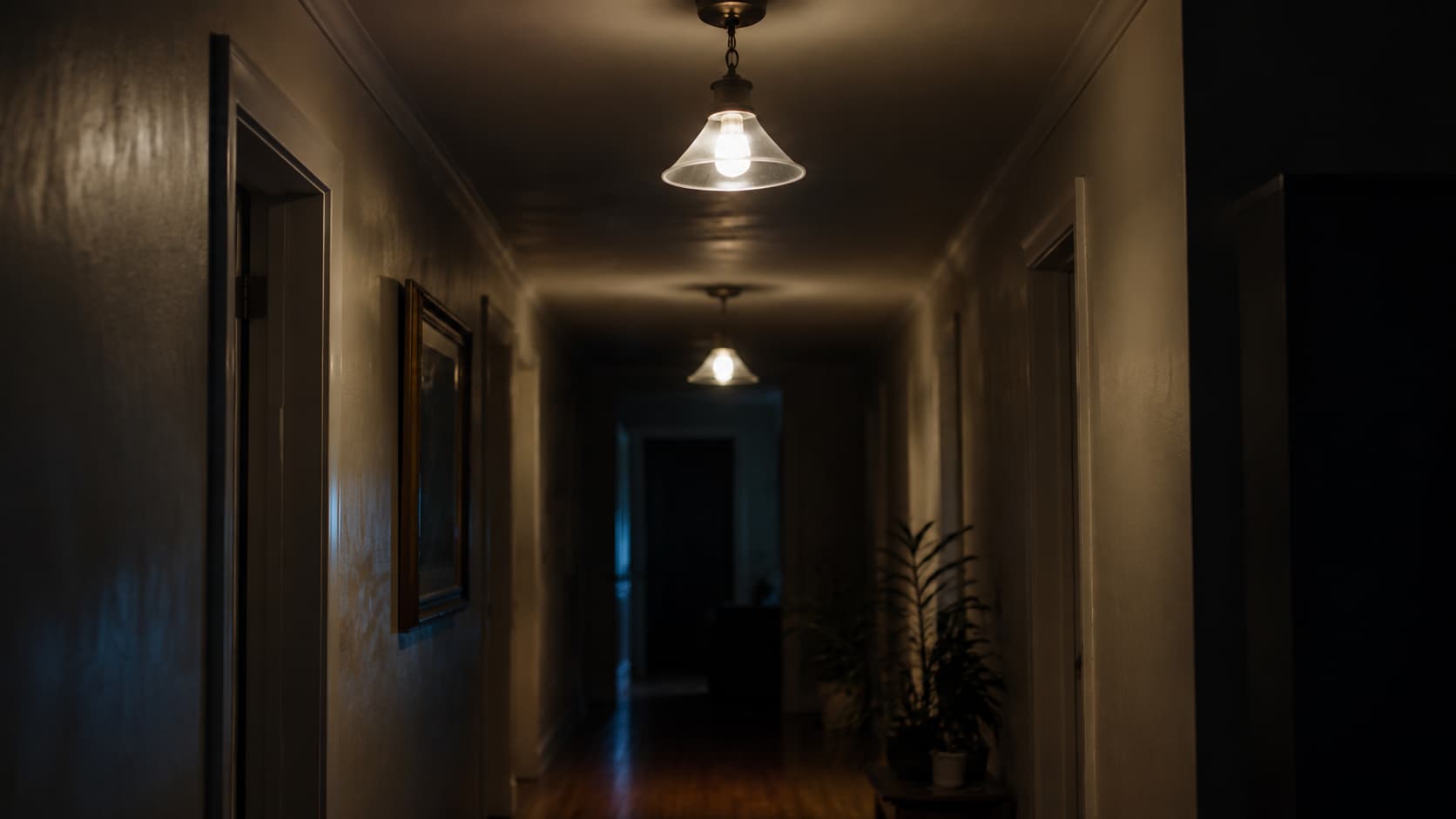
LED bulbs flicker for reasons that differ from those of older bulb types, and most of them trace back to the small driver inside each bulb.
A failing driver cannot regulate power evenly, so the bulb pulses instead of glowing steadily.
Cheap or low-quality LED chips often pair with weak drivers, making flicker more common under heat or voltage fluctuations.
Low-voltage systems, like under-cabinet or outdoor path lighting, can flicker when the transformer does not match the LED load.
Smart bulbs add another layer of trouble, since flicker can come from a weak wireless signal or a hub losing connection rather than the bulb itself.
How to Diagnose Flickering Lights?
A short diagnostic check narrows down the cause before any fix gets tried. Work through each step below for the clearest answer.
- Check if the problem is the bulb, the fixture, or the circuit: Swap the bulb first, then test the fixture, and finally the circuit itself.
- Test the bulb in a different socket: if it still flickers, the bulb itself is likely the cause.
- Inspect the light switch and dimmer compatibility: Confirm the dimmer is rated for LED bulbs, not just older bulb types.
- Observe flicker timing and pattern changes: Note if flicker happens at set times or only during appliance use.
- Identify whether multiple rooms are affected: Flicker across several rooms usually points to the main panel, not to a single bulb.
These five checks usually reveal whether the fix is quick or needs a professional. Write down what happens at each step for reference later.
How to Fix Flickering Lights at Home
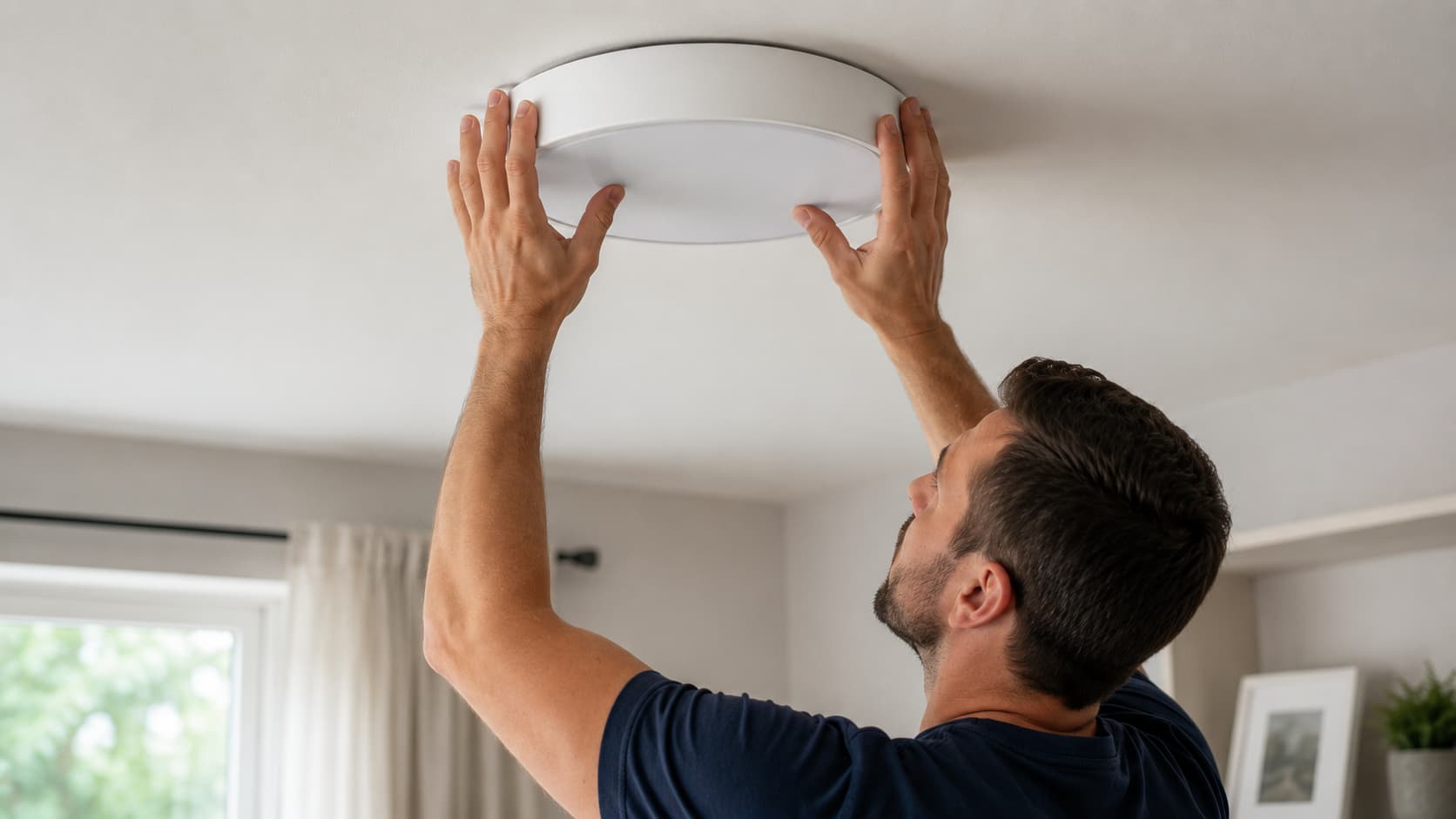
Once the cause is clear, most flickering lights can be fixed at home with basic tools and a little bit of patience and care.
1. Tighten or Replace Loose Bulbs
A loose bulb is the simplest fix for flickering lights. Turn off the switch, let the bulb cool, and turn it gently until it sits snug in the socket.
Check nearby bulbs too, since vibration from doors or fans can loosen more than one at a time. Pro tip: Clean socket contacts with a dry cloth before reinstalling any bulb.
2. Replace Incompatible or Faulty LED Bulbs
Not every LED bulb works with every fixture or dimmer, and a mismatch often shows up as flicker within days of installing new bulbs.
Check the packaging for dimmer compatibility and voltage range before assuming the fixture is at fault.
Swap in a bulb from a trusted brand with a steady track record instead. Pro tip: Keep the receipt when testing new bulbs in case a return is needed.
3. Upgrade to LED-Compatible Dimmer Switches
Older dimmer switches were built for incandescent bulbs and often cannot handle the lower wattage that LED bulbs draw.
This mismatch causes buzzing, flickering, or a dim light that never gets fully bright.
Look for a dimmer switch labeled for LED use, since these handle lower loads without losing steady output. Pro tip: Turn off the breaker first before touching any switch wiring.
4. Reset or Replace Faulty Light Fixtures
A fixture that has been in place for many years can develop worn sockets or loose wire nuts, causing a steady flicker even with a new bulb.
Turn off power at the breaker, remove the fixture, and check the wire connections inside for looseness or discoloration.
Tighten what you can safely reach. Pro tip: Take a photo of the wiring before disconnecting anything at all.
5. Balance Electrical Load Across Circuits
Circuits carry a set amount of power, and running too many high-draw devices on a single line causes the lights on that circuit to dim or flicker.
Check which outlets and lights share a circuit using the panel labels, then move heaters or hair dryers to a different one.
6. Use Voltage Stabilizers for Persistent Fluctuations
Homes with ongoing voltage swings, often from older utility lines, may see flicker that no bulb or switch change can fix on its own.
A whole-home voltage stabilizer smooths out these swings before they reach outlets and fixtures throughout the property. This option costs more but also protects appliances.
Most flickering light problems clear up with one of the fixes above. If the flicker returns quickly or spreads to new areas, treat it as a sign to look deeper.
Is It Safe to Leave Flickering Lights On?
A brief flicker during a storm or when a large appliance starts is usually harmless and needs no immediate action.
A single bulb that flickers only in one fixture, especially right after a bulb change, is often just a loose connection or a mismatched dimmer switch.
These cases rarely point to danger and can wait for a normal fix on a normal schedule.
Warning signs that mean the power should be shut off right away include a burning smell, warm switch plates, visible sparks, or flicker paired with a buzzing sound from the wall or panel.
Ignoring persistent flicker in these cases increases the risk of overheating wiring and house fires for the whole home over time.
When to Call a Professional to Fix Flickering Lights
Some signs mean a bulb swap alone will not solve the problem at all. These situations call for a licensed electrician right away.
- Flickering across multiple rooms or circuits: This usually points to the main panel or service wiring, not a single fixture.
- Burning smell, buzzing, or warm switch plates: These signs mean components are overheating and need urgent inspection.
- Frequent breaker trips along with flickering: Repeated trips show the circuit is under more strain than it can handle.
- Hidden wiring or panel issues you should not handle alone: Wiring behind walls or inside panels carries real shock risk.
- What an electrician typically checks and repairs: Panel connections, breaker condition, wire insulation, and overall circuit balance.
A licensed electrician can confirm the exact cause and fix it safely. Waiting on these signs only raises the risk over time.
Real-World Fixes People Commonly Share
Homeowners and electricians agree on many practical fixes for flickering lights.
Members on the Electrician Talk forum point out that cheap LED bulbs are a common culprit, since many bulbs on the market today are low-quality.
Others in the same thread mention that a fridge sharing a circuit with lighting often causes the lighting to dim when the compressor kicks on.
One user described LED lights strobing whenever the washing machine ran its spin cycle.
Similar threads on home improvement forums point to loose bulbs, mismatched dimmers, and corroded sockets as easy first checks.
These shared experiences line up with what licensed electricians recommend, showing that small, targeted fixes solve most common flickering issues at home
How to Prevent Lights from Flickering Again
A few simple habits keep flickering lights from becoming a recurring problem in any home, old or new.
- Choosing LED bulbs with proper voltage rating: Matching bulb specs to the fixture prevents driver strain and early flicker.
- Using certified fixtures and switches: Certified parts meet safety standards, reducing the risk of loose or faulty connections.
- Avoiding circuit overloading in high-use areas: Spreading devices across circuits keeps any single line from carrying too much load.
- Regular electrical inspection for older homes: A licensed electrician can catch worn wiring before it causes visible problems.
Small habits like these catch problems early and keep the whole electrical system running steadily and safely for years ahead.
Conclusion
Flickering lights are rarely random, and once the real cause is found, most fixes take only a few minutes to complete.
Tightening a bulb, swapping a mismatched dimmer, or spreading out an overloaded circuit solves the majority of cases without any special tools or training.
Knowing how to fix flickering lights also means knowing when to stop and call in help, especially with burning smells, buzzing panels, or flicker spread across many rooms of the house.
A steady, flicker-free home is safer for your family and easier on your fixtures and appliances alike over the years.
Run through the checks in this guide, and if anything feels beyond a simple fix, reach out to a licensed electrician near you today.
Frequently Asked Questions
Can a Loose Neutral Wire Cause Whole House Flickering?
A loose or corroded neutral wire at the main panel can cause voltage fluctuations across every circuit, leading to widespread flickering and potential damage to electronics.
Can Flickering Lights Damage Electronics or Home Appliances?
Yes, repeated voltage swings behind flickering lights can stress sensitive electronics and appliance motors over time, shortening their lifespan and sometimes causing sudden failures.
Why Do Lights Flicker During Storms or Bad Weather?
Storms can cause voltage fluctuations on the utility grid outside your home, sending unstable power through your wiring and making lights flicker or dim briefly.